

Let me be direct with you: shared hosting is not the problem. It’s actually a perfectly reasonable starting point. For a new site with modest traffic and no complex applications, it does the job.
The problem is staying on shared hosting past its expiry date.
And the tricky part? There is no notification. No alarm goes off. Your site doesn’t send you a breakup letter. Things just start getting slower, more fragile, and more frustrating, until one day you lose a customer because your checkout page timed out.
If you’re wondering whether that moment is approaching for your business, this post is for you. Here are seven clear signs it’s time to upgrade to Cloud VPS, and what that upgrade actually looks like in practice.
- Slow loading speeds indicate shared hosting limitations.
- Frequent downtime and errors signal the need for VPS.
- Growing traffic requires scalable, dedicated resources.
- E-commerce sites benefit from better security and performance.
- Cloud VPS offers full control with root access and customization.
- Managing multiple websites is easier with isolated VPS environments.
What Is Shared Hosting (Why It Works Until It Doesn't)
On shared hosting, your website lives on the same server as dozens or sometimes hundreds of other websites. You share CPU, RAM, disk I/O, and bandwidth with all of them. The hosting provider splits the costs, so the price stays low.
That’s the upside.
The downside is that you have no guaranteed resources. If your neighbour’s site gets a traffic spike, your site can slow to a crawl, through absolutely no fault of your own. This is sometimes called the “noisy neighbour” effect, and it’s not a myth. It’s just physics.
Cloud VPS (Virtual Private Server) works differently. You get a dedicated slice of a physical server, with fixed CPU cores, guaranteed RAM, and storage that belongs entirely to you. No shared pool. No neighbour problems.
Now, here’s how to tell if you need to make that switch.
7 Signs It's Time to Upgrade to Cloud VPS
Sign 1: Your Website Loads Slowly, Even Without Heavy Traffic
If your site is sluggish during off-peak hours, shared hosting’s resource ceiling is likely the culprit. Tools like Google PageSpeed Insights or GTmetrix will tell you your load time, but they won’t tell you why it’s slow, and “slow server response time” showing up in the report is a dead giveaway.
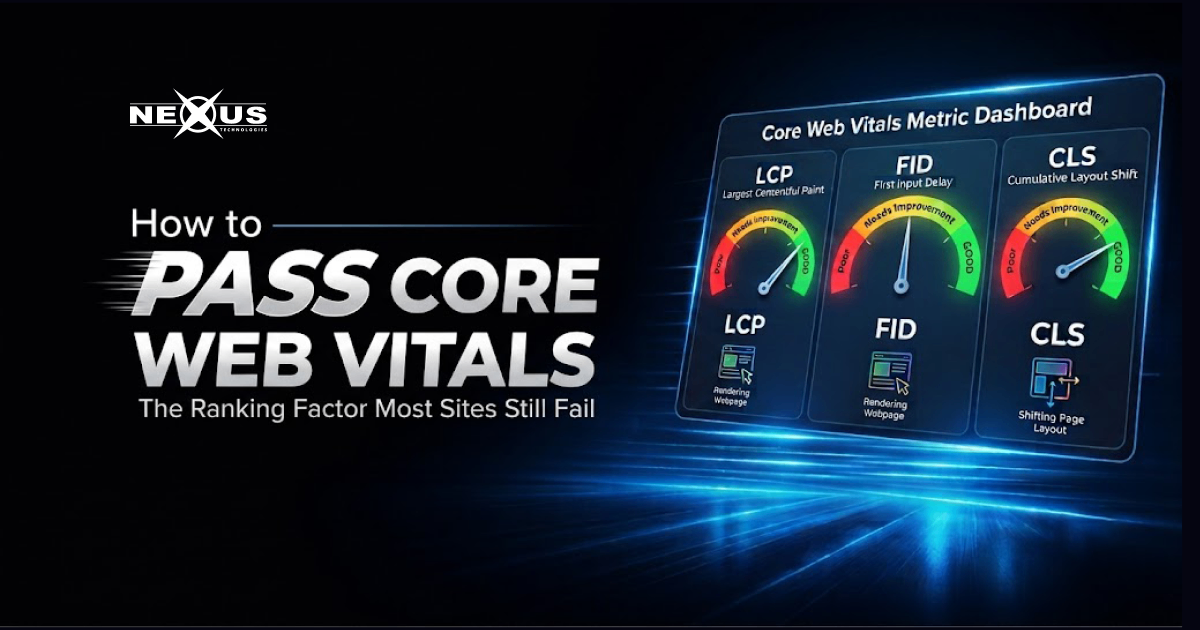
Page speed is not just a UX concern. Google uses Core Web Vitals as a ranking factor. A slow site loses positions in search results, not just users.
Cloud VPS hosting with NVMe SSDs and dedicated resources fixes this at the infrastructure level. You are not competing with anyone for CPU cycles.
Sign 2: You're Experiencing Unexplained Downtime or Errors
The occasional 502 or 503 error on a shared server usually means someone else on your server is consuming too many resources. The host throttles the whole box, and your site catches the fallout.
If you’re checking your uptime monitor and seeing dips, or worse, getting customer complaints about your site being unreachable, that’s not acceptable for a running business.
Cloud VPS runs on dedicated nodes with no shared resources. Each Cloud VPS is isolated at the hardware level. What happens on another VM does not affect yours.
Sign 3: Your Traffic Is Growing (Congratulations Now Prepare)
This is the best problem to have, and it’s the one most people are least prepared for.
Shared hosting plans come with soft resource limits. When you hit them, hosts typically either slow your site down or suspend your account without much warning. Neither outcome is good when you’ve just run a successful campaign or got picked up by a media outlet.
Cloud VPS scales. You can add CPU cores, RAM, and storage without migrating your entire setup or taking your site offline. The Cloud VPS infrastructure is designed specifically for this, scalable at runtime, with transparent pricing and no hidden fees.
Sign 4: You're Running an E-Commerce Store
If money changes hands on your website, shared hosting is not the right environment. Full stop.
Here’s why: on a shared server, an SSL certificate protects the data in transit, but the server environment itself is shared. If another site on your server gets compromised, security researchers have documented cases where malware spreads laterally across accounts.
E-commerce also tends to be database-heavy. Every product page, every cart update, every checkout step hits your database. Under shared hosting, database connections are throttled and shared. Under Cloud VPS, you control your database environment entirely.
Nexus Cloud VPS includes encrypted backups, snapshot capabilities, and the option to run managed services, So you’re not flying blind when something goes wrong.
Sign 5: You Need Root Access or Custom Server Configuration
Maybe you need a specific PHP version. Maybe your application requires a custom module, a particular database configuration, or a runtime that shared hosting simply doesn’t allow.
Shared hosting environments are locked down by design. The host controls the server. You control your files and little else.
With Cloud VPS, you get root access. You can install what you need, configure your stack, run cron jobs at the OS level, set up custom firewalls, and generally treat the server like it’s yours, because it is.
This matters for developers, agencies managing multiple client sites, and businesses running custom-built applications.
Sign 6: Your Current Host Has Warned You About Resource Usage
If you’ve received a warning about excessive CPU usage or bandwidth consumption, you are already hitting the ceiling. Shared hosting plans have limits that seem generous on paper but shrink fast under real-world conditions, especially for sites with image-heavy content, video, or active plugins.
Hosts deal with this by throttling or suspending accounts. Sometimes they send a warning email first. Sometimes they don’t.
Rather than wait for the suspension notice, upgrading proactively is the smarter move. Nexus Cloud VPS plans come with 1 GBPS ports, burstable RAM, and elevated UBC limits, specs built for sites that actually have traffic.
Sign 7: You're Managing Multiple Websites or Client Sites
Running five websites on a single shared hosting account sounds economical until one site causes problems for all the others.
More importantly, if you’re an agency or freelancer managing client sites, you need isolation between environments. A security issue or resource drain on one client’s site should not — and on shared hosting, often does, affect the others.
Cloud VPS gives you proper isolation, the ability to set up separate environments, and the control to manage each site independently. Pair it with a control panel like cPanel, Plesk, or Interworx (all available with Nexus Cloud VPS) and you have a proper multi-site management setup.
Hosts deal with this by throttling or suspending accounts. Sometimes they send a warning email first. Sometimes they don’t.
Rather than wait for the suspension notice, upgrading proactively is the smarter move. Nexus Cloud VPS plans come with 1 GBPS ports, burstable RAM, and elevated UBC limits, specs built for sites that actually have traffic.
What Makes Cloud VPS Different from Regular VPS?
Good question and worth clarifying.
Traditional VPS hosting puts your virtual machine on a shared physical node alongside other VMs. If the node gets overloaded, performance suffers. It’s better than shared hosting, but not by as much as the marketing suggests.
Nexus Cloud VPS takes a different approach. Each Cloud VPS runs on a dedicated node, meaning no other clients share that physical hardware. It’s not mixed in with other tenants. The result is more predictable performance, better I/O speeds, and genuine isolation.
From Nexus’s own infrastructure: AMD EPYC 2nd Gen and Intel Xeon Gold processors, NVMe SSDs, and 1 GBPS network ports. That’s enterprise-grade hardware running your site.
What Does the Upgrade Process Actually Look Like?
A lot of businesses sit on shared hosting longer than they should because they’re worried about migration. Understandable migrations can go wrong.
Here’s the honest version: migration from shared hosting to Cloud VPS is not trivial, but it’s also not the nightmare people imagine when they have the right support.
With Nexus, you can reach the team via email at [email protected] and discuss internode migration options. The infrastructure supports cPanel, Plesk, and Interworx, so if you’re already running cPanel on your shared host, the learning curve is minimal.
For businesses that need managed services, where Nexus handles the server configuration, security updates, and ongoing management, that option is available too. You focus on your business; the server runs itself.
Not Sure If You're Ready? Here's a Quick Self-Check
Question | If YES → |
Does your site take more than 3 seconds to load? | Consider upgrading |
Have you experienced downtime in the last 30 days? | Consider upgrading |
Are you running an online store? | Upgrade now |
Have you received a resource warning from your host? | Upgrade now |
Do you need custom PHP, Node, or server configs? | Upgrade now |
Are you managing more than 3 websites? | Upgrade now |
Is your traffic growing month-over-month? | Plan the upgrade soon |
If you said YES to three or more of these, shared hosting is already holding you back.
Why Nexus Cloud VPS?
Nexus has been hosting Pakistani and global businesses since 1998. That’s not a marketing line, it means the infrastructure has been stress-tested across decades of traffic patterns, hardware generations, and business scenarios that most newer providers have never seen.
Nexus Cloud VPS offers:
- Dedicated nodes (not shared physical hardware)
- AMD EPYC and Intel Xeon processors
- NVMe SSDs for storage
- 1 GBPS network ports
- Burstable RAM and elevated UBC limits
- Snapshot and encrypted backup services
- cPanel, Plesk, and Interworx included
- 24/7 support
- Transparent pricing, No hidden fees
If you’re also running a business-critical application and want to explore options beyond VPS, Nexus Dedicated Servers are available starting at $120/month for bare-metal performance.
Not sure which plan fits your current setup? Check the full Nexus Cloud VPS and Dedicated Server options or start on shared hosting if you’re still in early growth mode and not quite at the VPS threshold yet.
FAQs
What is the main difference between shared hosting and Cloud VPS?
Shared hosting puts multiple websites on one server, splitting resources between all of them. Cloud VPS gives you a dedicated slice of a server fixed CPU, RAM, and storage that no one else can touch. The practical difference is reliability, speed, and control.
How do I know if my site is being throttled on shared hosting?
Check your server response time (TTFB) using Google PageSpeed Insights or Pingdom. A TTFB above 600ms is a red flag. Also watch for recurring 502/503 errors and any warning emails from your host about CPU or bandwidth usage.
Will upgrading to Cloud VPS affect my website's SEO?
Done correctly, the upgrade should improve your SEO. Faster load times, better uptime, and stable server response all feed directly into Google’s Core Web Vitals and ranking signals. A botched migration (broken URLs, missing redirects) can hurt SEO — so take the migration carefully or get professional help.
Can I run WordPress on Cloud VPS?
Yes, and it performs better than on shared hosting. You get full control over PHP version, database settings, caching configuration, and server-level optimization. Pairing WordPress with a VPS and a CDN like Cloudflare gives you a significantly faster site.
How much does Nexus Cloud VPS cost?
Nexus offers multiple Cloud VPS plans to suit different needs and budgets. Pricing is transparent with no hidden fees. Visit the Nexus Cloud VPS page for current plan details and pricing.
How long does migration from shared hosting to Cloud VPS take?
It depends on your site size and complexity. A simple WordPress site can migrate in a few hours. Larger setups with custom databases, emails, and multiple domains may take longer. Nexus’s support team can advise on migration planning email [email protected] for guidance.
Do I need technical knowledge to manage a Cloud VPS?
Not necessarily. Nexus Cloud VPS comes with control panel options (cPanel, Plesk, Interworx) that give you a familiar interface for managing your hosting environment. For those who want zero involvement in server management, Nexus also offers managed VPS services.
Final Thought
The businesses that delay upgrading from shared hosting usually do so for one of two reasons: cost or inertia. The cost difference between a decent shared plan and a Cloud VPS plan is real, but so is the cost of downtime, lost conversions, and a slow site.
Inertia is harder to fight. But that’s what this post is for.
If three or more of these seven signs apply to you, the upgrade is overdue. Nexus Cloud VPS gives you the infrastructure to stop apologising for your website and start using it as an actual business asset.
Nexus Technologies has been providing web hosting, domain registration, cloud infrastructure, and development services to businesses in Pakistan and globally since 1998. For inquiries, contact [email protected].